Modern sales teams are currently navigating an environment saturated with digital solutions. From AI-powered assistants to sophisticated demo platforms, the promise of these tools is often centered on sales enablement and acceleration. However, the reality of implementation is more nuanced. While a large majority of small-to-medium businesses have adopted new systems to change how they manage deals, only a small fraction of these organizations report finding true, measurable effectiveness in their usage. We are facing a paradox where the abundance of technology often leads to a decline in actual performance.
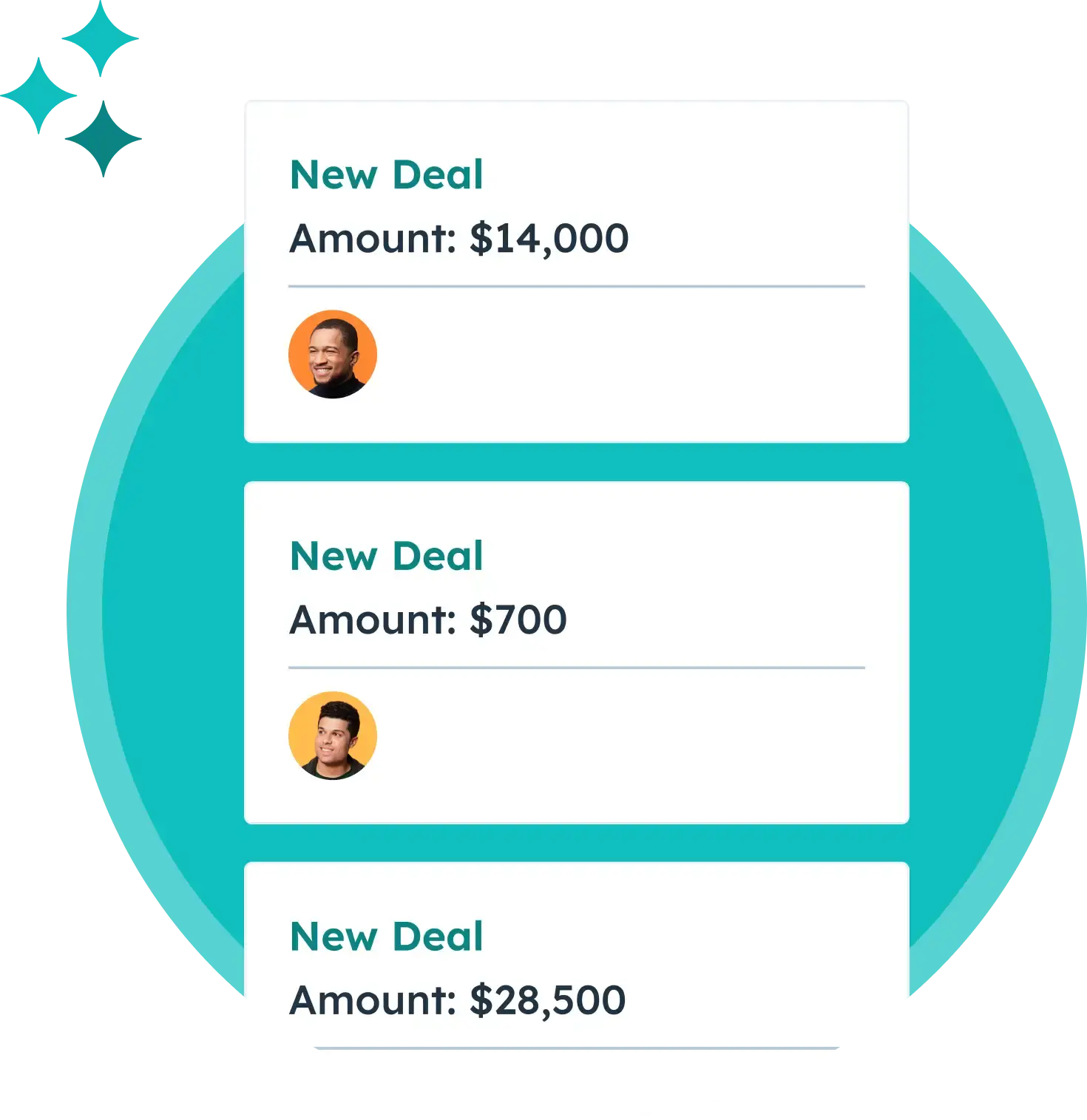
An interactive sales tool is any platform that shifts the sales process from a one-way presentation into a collaborative, two-way experience. Rather than relying on static documents or rigid scripts, these tools invite potential buyers to explore, test, and contribute to the evaluation process alongside the seller. This shift is less about the technology itself and more about the underlying intent: transforming passive observation into active participation.
Defining the Value of Interactivity
Interactive sales tools are designed to shorten the distance between discovery and decision. By allowing prospects to self-educate, you move the narrative away from performative selling—where the vendor dictates the value—and toward a model where the buyer experiences that value firsthand. When stakeholders can interact with the product or project roadmap directly, they feel more confident in the progression of the deal. This increased engagement often translates into clearer buying signals, allowing teams to act with precision rather than guesswork.
Why It Matters for Modern Sales
The primary benefit of these tools lies in the reduction of friction. Traditional sales cycles are often plagued by information asymmetry, where the buyer is forced to wait for the seller to provide data. By providing an interactive interface, you empower the buyer to find answers on their own terms. This not only speeds up the internal vetting process for the prospect but also signals to the seller exactly which features or pain points are currently top-of-mind for the decision-making committee.
Common Pitfalls to Avoid
A frequent mistake teams make is treating interactive tools as a replacement for human connection rather than a supplement. If a tool is deployed without a clear strategy for how the sales representative will follow up on the data gathered, the technology becomes a digital graveyard of engagement metrics. Another common error is failing to align the tool’s output with the actual needs of the buyer, resulting in a “tech-first” approach that ignores the underlying business problem.
Practical Steps for Implementation
To begin, audit your current content library to identify which assets are most frequently requested by prospects. Convert these high-value pieces into interactive formats. Next, establish a clear protocol for how engagement data should be interpreted by your sales team. Finally, ensure that your CRM is configured to receive and act upon the signals generated by these platforms, creating a closed-loop system that informs every future touchpoint.
These platforms generally fall into several distinct categories. Interactive product tours allow for top-of-funnel exploration, while sandbox environments cater to technical buyers who require hands-on validation. Digital sales rooms and mutual action plans serve as the connective tissue for mid-to-late-stage deals, keeping teams aligned on milestones and documentation. Choosing the right tool depends entirely on your specific sales motion and the complexity of the solution you are offering.
Tools Designed to Enhance Buyer Engagement
When we look at the landscape of available software, certain platforms stand out for their ability to balance operational rigor with a better buyer experience. The goal is to select tools that create a feedback loop, ensuring that every interaction informs the next step in the sales cycle.
1. HubSpot Sales Hub
HubSpot Sales Hub functions as a unified workspace for managing pipelines and tracking deal health. Its strength lies in its ability to centralize lead data, communication, and scheduling into a single platform. By integrating AI-driven insights with traditional CRM capabilities, it allows reps to move beyond manual task management. The platform’s ability to track document engagement and personalize email sequences makes it a foundational tool for teams looking to create a more responsive sales process.
2. HubSpot Smart CRM
At the core of any successful sales motion is a robust data layer. The Smart CRM from HubSpot goes beyond simple record-keeping; it contextualizes every touchpoint a prospect has with your brand. By automatically capturing data from marketing, sales, and service interactions, it ensures that your team always has a complete view of the buyer. This intelligence is what allows for effective personalization at scale, as every interaction becomes a trackable data point.
3. HubSpot AI Features
Artificial intelligence, when embedded directly into the CRM, serves to amplify the capabilities of the individual seller. Features like the Prospecting Agent allow teams to monitor for buying signals and automate personalized outreach without losing the human touch. This intelligence layer ensures that the next best step is not just predicted but acted upon, reducing the lag that often occurs between engagement and follow-up.
4. Consensus
Consensus addresses the common challenge of demo fatigue by allowing teams to create dynamic, automated product demonstrations. A single master demo can be tailored to speak to different personas, ensuring that a technical lead sees what they care about, while an executive views relevant ROI metrics. This asynchronous approach allows for multi-stakeholder alignment without the need for constant, repetitive live meetings.
5. Storylane
Storylane enables prospects to experience a product before they ever speak to a sales representative. By building guided, no-code product tours, companies can bridge the gap between initial curiosity and active engagement. These tours provide valuable analytics regarding which features users explore most, allowing sales teams to enter conversations with a deeper understanding of the prospect’s priorities.
6. FlippingBook
FlippingBook serves as a bridge between static content and interactive engagement. By converting standard PDFs into trackable, dynamic flipbooks, sales teams gain visibility into how their materials are actually being consumed. Insights such as reading duration and specific page views allow reps to time their follow-ups based on real-world prospect behavior.
7. DealHub
DealHub acts as a centralized workspace for managing complex deals. By consolidating proposals, pricing configurations, and contracts into a single hub, it eliminates the confusion of scattered documents and version control issues. This transparency not only helps the internal team but also simplifies the buying process for the customer, fostering trust through shared accountability.
8. Recapped
Recapped focuses on maintaining alignment throughout the sales cycle by turning the process into a collaborative roadmap. By defining deliverables and timelines in a shared space, both the buyer and the seller remain accountable. This structured approach is particularly effective in complex B2B environments where multiple stakeholders are involved in the final decision.
Strategic Evaluation of Sales Technology
Selecting the right tool requires an honest assessment of your existing ecosystem. A tool that looks impressive in a demo might create friction if it does not integrate with your current CRM or data workflows. The most successful implementations prioritize usability and data integrity, ensuring that the platform becomes a natural extension of your team’s daily activities.
Integration and Data Flow
Integration is the primary factor in determining the long-term success of any interactive tool. You should prioritize platforms that offer native connections to your CRM, ensuring that engagement data flows without the need for complex workarounds. If a tool requires manual data entry or creates silos, it will likely fail to provide the visibility required for effective sales management.
Usability and Adoption
Even the most powerful software will fail if it is too difficult for the team to use. When evaluating, look for an intuitive interface that requires minimal training. The goal is to lower the barrier to entry so that reps spend more time engaging with prospects and less time managing the technology. High adoption rates are the only way to realize the ROI of your investment.
Analytics and Insight
Beyond basic metrics, consider the depth of analytics provided. An effective tool should reveal not just that a prospect engaged, but how they engaged. Understanding where a user spends their time or where they drop off provides actionable intelligence that can refine your sales strategy. This data should eventually feed back into your CRM to inform future interactions.
Checklist for Tool Selection
Before committing to a new platform, ensure you have a clear checklist. Verify that the tool supports your specific sales pipeline stages. Check for API availability to ensure it communicates with your existing tech stack. Finally, conduct a pilot test with a small group of high-performing reps to gather qualitative feedback on how the tool impacts their daily workflow.
Implementing Interactive Tools into Your Workflow
Bringing a new tool into your workflow should be treated as an incremental project rather than an overnight change. Most organizations benefit from a phased rollout that allows for adjustments based on early usage data. By starting with a specific segment of your sales motion, you can validate the effectiveness of the tool before scaling it across the entire organization.
Building a Unified Sales Motion
Integration is not merely about connecting software; it is about creating a unified sales motion. When your content, demo platforms, and CRM speak the same language, you remove the guesswork from your pipeline. Every engagement signal—whether it is a demo completion or a document view—should trigger a corresponding action, ensuring that your team remains proactive in their outreach.
Managing Content and Governance
As you deploy interactive tools, you must also consider the management of the content itself. Establishing clear governance and version control processes is essential to maintain brand consistency. Furthermore, ensure that your chosen tools comply with necessary security standards, especially when handling sensitive contracts or technical documentation. This balance between flexibility and control is what allows a sales organization to scale effectively without losing its focus.
Monitoring Impact on Revenue
Ultimately, the value of these tools is measured by their impact on revenue outcomes. To track this, look for correlations between the use of interactive content and key performance indicators such as deal velocity and win rates. By mapping demo engagement data to CRM metrics, you can identify which interactions are actually driving progress and which are simply adding noise to the process. This analytical rigor is what separates organizations that merely use technology from those that truly leverage it to improve their sales performance.
Long-Term Success Strategies
To sustain the impact of your interactive tools, schedule quarterly reviews of your sales technology stack. As your product evolves, so too should your demo environments and sales collateral. Keep the feedback loop open between your sales reps and the marketing team, as those on the front lines will be the first to notice if a tool is no longer serving its intended purpose or if a new competitor has introduced a more effective way to engage prospects.


