How to Debug FAQ Schema for Google AI Overviews
You’ve done everything right. You added the FAQ schema to your page, checked the code, and hit publish. Yet, when you search for your target terms, your content isn’t appearing in Google AI Overviews. It’s frustrating. It feels like you’re shouting into a void while competitors with thinner content get cited.
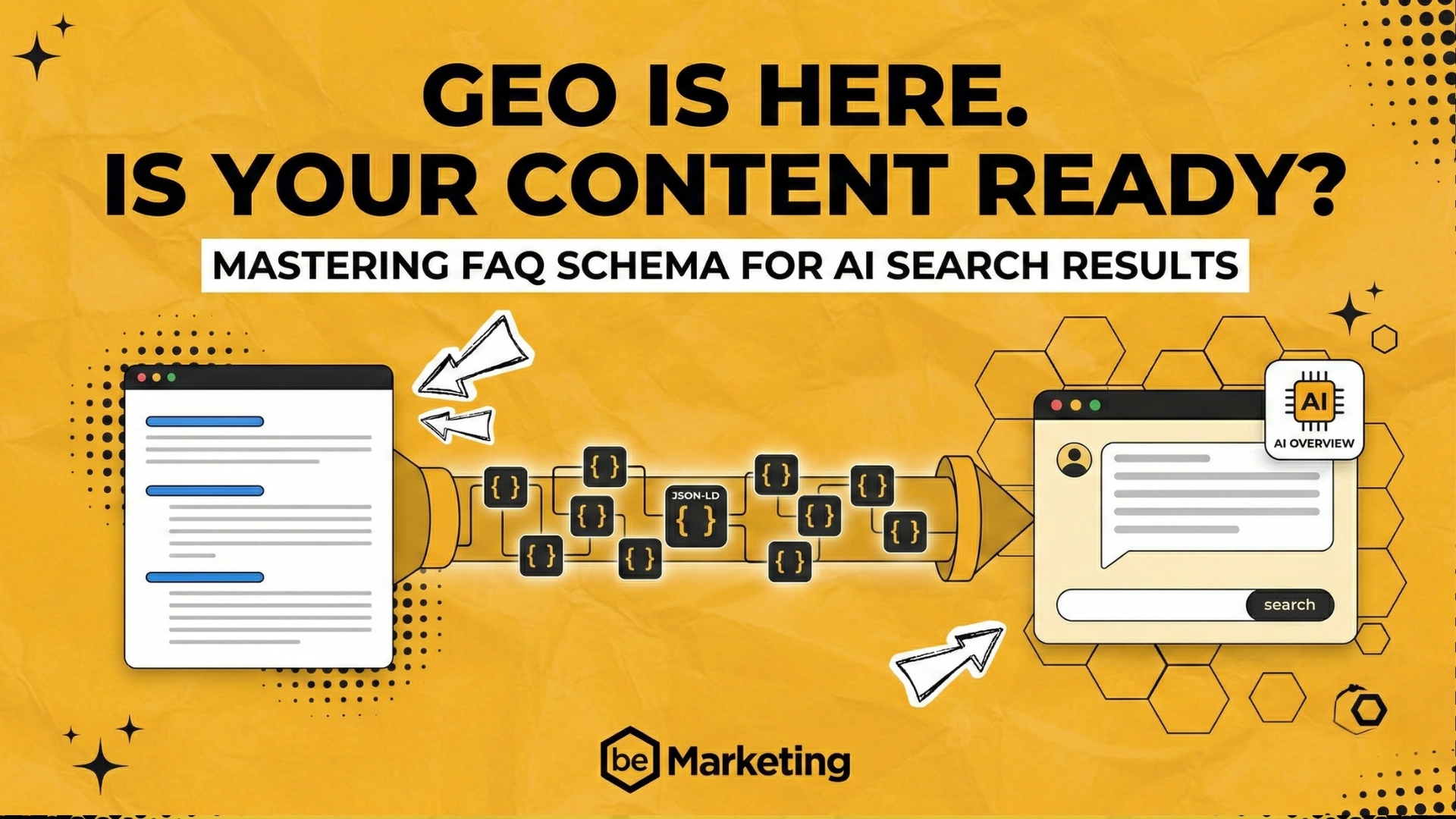
Adding markup isn’t enough. If your signals are noisy, ambiguous, or mismatched with your visible content, AI models simply ignore you. Think of your schema like a translator. If the translator speaks perfect code but the audience needs clear English, the message gets lost. Schema markup must speak the language of clarity that AI understands.
You don’t need a computer science degree to fix this. In this guide, we’ll walk through a practical troubleshooting path. We’ll show you how to debug your JSON-LD, align your visible content, and optimize for AI extraction. Your goal is to get your content cited, not just indexed. Let’s turn that invisible search appearance into visible authority.
Why Your FAQ Schema Is Being Ignored by AI Overviews
Adding FAQ schema is often the first thing marketers do when they want to get visible in new AI-driven search results. You spend an hour crafting perfect questions, generating the JSON-LD code, validating it, and hitting publish. Then… nothing. No snippet in traditional search, and zero mentions in Google AI Overviews.
It’s incredibly frustrating. You did everything right on the technical side, so why is your content invisible? The answer lies in understanding that AI models don’t just read your code; they try to understand your content. The way they parse meaning is radically different from how traditional search engines once worked.
Beyond Valid JSON: Semantic Clarity and Authority
For years, schema markup was a game of technical compliance. If your JSON was syntactically correct and passed Google’s validation tools, your content was eligible for rich results. It was a binary state: valid or invalid.
AI models, particularly those generating Google AI Overviews, operate differently. They don’t just check boxes; they evaluate semantic clarity and authority. Think of traditional SEO as speaking in structured signals where the machine just decodes a pattern. AI Overviews require natural language understanding. The model looks for clear, unambiguous statements that establish your page as a trustworthy source.
Even if your JSON-LD FAQ structure is 100% valid, the AI might still ignore it if the underlying content feels generic or marketing-heavy. The model needs to see a direct connection between your structured data and a genuine, authoritative answer. If the content surrounding your FAQ doesn’t back up the markup, the AI sees the schema as an empty shell.
The Most Common Culprit: Visible Content Mismatch
The single biggest reason your FAQ schema is ignored is a mismatch between what you tell the search engine in your code and what a human sees on the screen.
AI models prioritize content that is explicitly visible and contextually relevant. If your structured data contains an answer that contradicts or significantly expands beyond your visible HTML, the AI will flag your content as potentially misleading.
| Scenario | Schema Status | AI Verdict |
|---|---|---|
| Schema and visible text match | Aligned | Eligible |
| Schema is more detailed than text | Mismatched | Often Rejected |
| Schema contradicts visible text | Conflict | Ignored |
This alignment isn’t just a best practice; it’s a fundamental requirement for search appearance in AI Overviews.
The Danger of Semantic Noise
Another critical factor is “semantic noise.” This occurs when the AI model cannot easily extract a clear, standalone answer due to formatting clutter, ambiguous markup, or distracting elements.
AI models extract information by scanning for patterns: short paragraphs, clear question-and-answer pairs, and direct statements. If your FAQ section is buried in a complex accordion widget that loads content dynamically, or filled with vague language like “click here for more details,” you create noise. The model struggles to distinguish the core answer from the surrounding fluff.
The Answer-First Pattern
AI Overviews heavily prioritize content that follows the “answer-first” pattern. This means your content explicitly addresses the query directly and concisely in the first few sentences.
If your FAQ answers start with a long preamble or a sales pitch, the AI is likely to skip your content. It wants answers it can confidently present to the user. Content that is designed to answer questions directly—without the need for the user to read ten more paragraphs to find the point—is far more likely to be cited.
Step 1: Validate Your JSON-LD Structure and Syntax
Before you worry about content strategy, ensure your code actually works. If the basic electrical connections are wrong, nothing else matters. In the world of structured data, “wiring” refers to your JSON-LD FAQ format. Even a tiny syntax error can cause Google to ignore your markup entirely.
Use Google’s free validation tools to check your wiring:
- Rich Results Test: Tests live URLs or code snippets and shows you exactly where errors reside.
- Schema Markup Validator: Provides detailed technical feedback on your structured data.
Common Syntax Errors to Watch For
When the validation tool returns errors, they usually fall into three categories.
- Missing Brackets and Commas: JSON is sensitive. A missing closing curly brace
}or a comma between objects breaks the structure. - Incorrect Data Types: Each property has a specific type. For example, the
nameproperty must be a short string. If you paste a long, multi-sentence explanation into thenamefield, it triggers an error. - Malformed Nested Objects: If one layer of your nested
FAQPagestructure is broken, the whole chain fails.
The Critical Role of Context and Type
Every JSON-LD block must start with two essential properties:
- @context: This tells the machine where to find the definitions for the terms you’re using (e.g., https://schema.org). It is the language manual the AI uses to understand your data.
- @type: This identifies the content. For a FAQ section, this must be
FAQPage.
If either is missing, Google’s crawlers won’t even attempt to read your content. It’s like writing a letter but forgetting to put a stamp on the envelope.
Step 2: Align Visible Content with Your Structured Data
Finding the perfect JSON-LD structure is only half the battle. You must ensure your visible HTML matches that schema markup exactly.
The Golden Rule: Exact Content Match
If your JSON-LD FAQ markup says the answer is “Yes,” but the visible HTML content says “It depends,” the AI will detect this contradiction. This inconsistency creates semantic noise. To ensure your content gets cited, the visible text must directly mirror the answer provided in the schema.
Avoiding Hidden FAQs
AI models prefer content that is immediately visible in the HTML source. If your FAQs are hidden behind user interactions, the risk of them being ignored increases.
- Accordions and Tabs: Content that requires a click to reveal may not be indexed immediately if it loads via JavaScript.
- Lazy Loading: While good for performance, lazy-loaded FAQs might not be present in the initial HTML snapshot that the AI model reviews.
Auditing Your Page Source
To verify your content, use the “View Page Source” function in your browser. Search for your FAQ questions and compare the text to your schema script tag. If you find discrepancies, update your visible content to match the schema exactly. This alignment signals to AI models that your content is trustworthy.
Step 3: Optimize for AI Extraction (The Answer-First Rule)
You have validated your code and aligned your content. Now, focus on how you structure the actual text.
How AI Models Extract Snippets
When an AI model processes your page, it uses Natural Language Processing to identify question-and-answer pairs. It looks for a specific pattern: a clear, standalone answer that is typically 40 to 60 words long.
Why this length? It’s the sweet spot for an AI summary. It’s long enough to provide value but short enough to be easily quoted in an AI Overview snippet.
Formatting for Easy Extraction
Ensure every answer stands alone. If you cut the answer paragraph out of your page and paste it into a blank document, it should still make sense.
- Avoid Pronouns Without Nouns: Instead of “It is cost-effective,” write “The software solution is cost-effective.”
- Remove Temporal References: Instead of “This year,” use specific dates like “In 2023.”
- Eliminate Deictic Expressions: Avoid words like “this,” “that,” or “below” unless they are clearly defined in the same sentence.
The Power of Plain Language
AI models prefer clear, plain language. They are trained to look for semantic clarity, which is highest when sentences are straightforward. Use simple, direct language to ensure your content is easily parsed and cited.
Adding a TL;DR for Quick Identification
Consider adding a brief TL;DR summary section near the top of your FAQ. This acts as a beacon for AI extractors, reinforcing the direct answers provided below. This summary gives the AI a quick, high-level answer it can pull from, increasing the likelihood of being cited in search appearance features.
Fixing your FAQ schema is about ensuring your JSON-LD FAQ speaks the same language as Google AI Overviews. By validating your syntax, aligning visible content with structured data, and optimizing for extraction, you remove the barriers that prevent AI models from citing you.
Remember, accurate schema markup is not just a technical checkbox—it is the bridge between your content and generative search. Audit your pages today and watch your AI visibility grow.
AEO/GEO
Want to learn more?
Contact us for direct consultation and support.