On This Page· 4
Your visibility dashboard shows you ranking first for a key query in AI answers. Your CRM shows zero new leads from that channel. When those two systems fail to communicate, AI traffic becomes a vanity metric.
The fix is not a new tool but a data-flow setup. AEO CRM integration links AI-referred session data to contact and deal records, making the channel attributable to actual pipeline outcomes. This moves AI answer tracking from a visibility score to a revenue line.
What AI answer tracking actually measures in your CRM
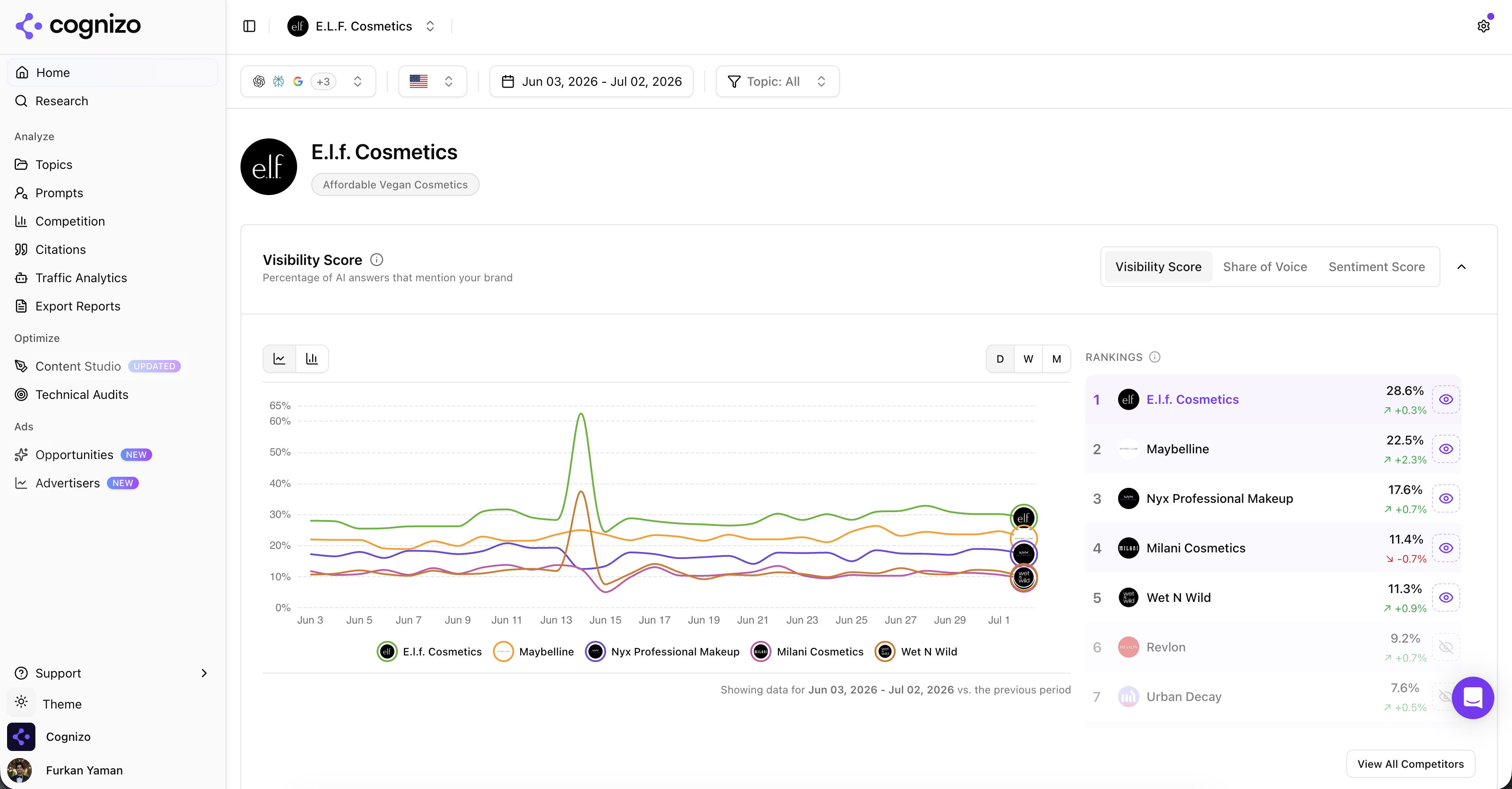
AEO CRM integration is the process of linking AI-referred session data—such as UTM parameters or referrer headers from AI chatbots—to your contact and deal records. This connection allows your attribution models to credit AI channels alongside organic and paid search, making the revenue impact of generative answers visible within your pipeline.
Two Distinct Data Streams
To understand what your system is actually capturing, you must distinguish between two specific data types. AI crawler behavior refers to bot visits that signal content relevance to Large Language Models (LLMs). This metric ties directly to your long-term content performance and visibility health. In contrast, AI-referred user sessions are the actual human interactions where a visitor arrives from an AI-generated answer. This is the data type that ties to revenue. While crawler data tells you if your content is being indexed, referred sessions tell you if that visibility is converting into customers.
Beyond Binary Attribution
LLM attribution is not a binary switch. It is a probabilistic model that accounts for complex, multi-touch journeys. A user might first encounter your brand through an AI answer, later perform a traditional Google search, and finally convert days later. Your CRM must hold precise timestamps and source tags to reconstruct this path. Without these granular markers, you cannot distinguish between a direct AI win and an assisted conversion. The goal of your AEO analytics setup is to capture these nuances, ensuring that the AI channel is weighted fairly in your final ROI calculations rather than being ignored or misattributed to other channels.
Unifying GSC, Ads, and AI traffic in one analytics view
Fragmentation is the core obstacle. Google Search Console captures organic clicks, Google Ads logs paid conversions, and AI platforms like ChatGPT or Perplexity record their own referral paths. Without a unified layer, you cannot determine which channel actually drove a specific conversion. An AEO analytics setup bridges this gap by consolidating these disparate data streams into a single reporting view.
The mechanics rely on server-side event tracking. Similar to the OpenAI Conversions API approach, this method sends conversion data back to the AI platform while simultaneously feeding standardized events into your analytics stack, such as GA4. This dual flow allows for cross-channel reporting that treats AI-referred sessions as a distinct source rather than an untagged anomaly.
| Data Source | Strength | Limitation |
|---|---|---|
| Google Search Console | High impression and click volume | No session-level behavior tracking |
| Google Ads | Precise attribution for paid clicks | Covers only paid traffic |
| AI Platforms | High-intent referral sessions | Often lacks granular landing page data |
Balancing the Gaps
Each source offers a different lens. GSC provides volume metrics but no behavioral insight. Ads offer precision but ignore organic and AI paths. AI traffic brings high-intent users but often misses detailed landing page context. A unified view balances these gaps, enabling accurate LLM attribution.
By merging these inputs, you gain a complete picture of generative search ROI. You can see not just where traffic starts, but how it moves across channels before reaching your CRM. This holistic perspective is essential for measuring the true impact of AI answer tracking on revenue.
Building the AEO analytics setup: a practical workflow
The AEO analytics setup hinges on a four-step data flow that connects user intent to revenue. First, ensure your web server captures referrer domains from AI platforms or tags landing URLs with UTM parameters to identify the source. Second, ingest these tagged sessions through your CRM’s API or an integration layer. Third, map the incoming session data to standard CRM fields like ‘lead source’ and ‘first touch channel’ to enable accurate attribution. Finally, build a dashboard that overlays AI-attributed revenue against existing Google Search Console and Ads metrics. This structure turns fragmented signals into a clear view of generative search ROI.
Choosing the right integration method depends heavily on your engineering capacity. The following table outlines the qualitative trade-offs between the main options.
| Integration Method | Speed to Deploy | Flexibility | Maintenance Burden |
|---|---|---|---|
| Native Connector | Fastest | Least flexible | Lowest |
| Middleware (e.g., Zapier) | Moderate | Middle ground | Medium (per-task costs) |
| API/Custom Build | Slowest | Most control | Highest |
A native connector is the most direct route but offers limited customization. A custom API build provides full control over data mapping but demands significant ongoing engineering effort. Middleware platforms sit in between, adding some latency and transaction costs but reducing the initial development load. For most teams, middleware strikes a balance that avoids the complexity of custom builds while offering more routing logic than a pre-built connector.
One common misconception is that AI data updates in real-time. While AI-referred user session data is near real-time and ideal for immediate revenue attribution, AI crawler indexing operates on a different timeline. Crawlers may take days to re-index content changes, so this data serves as a long-term content health signal rather than a daily performance metric. Focus your CRM integration on the user-session data to capture actual demand, and treat crawler insights separately as a leading indicator for content strategy. This separation ensures your attribution models reflect immediate customer behavior while your content team addresses long-term relevance.
Do you need a native CRM connector for AI answer tracking?
You do not need a native connector if your server logs referrer domains from AI platforms and your analytics stack can parse them. This setup allows you to measure generative search ROI using existing infrastructure, though dedicated tools reduce the manual maintenance burden by providing pre-built attribution models.
Yes, the workflow works with HubSpot or Salesforce. Both platforms support API access and middleware, so the critical step is ensuring your CRM accepts custom fields for “AI Source” and “AI Session ID.” These fields let you join session data back to your analytics records later, keeping the AEO CRM integration functional without replacing your current stack.
For multi-touch journeys where AI is the first touch but not the last, avoid relying solely on last-click logic. Use a multi-touch attribution model in your analytics platform instead. The CRM integration should record all touches, while the reporting layer calculates the weighted contribution of the AI channel. This approach accurately reflects LLM attribution across complex user paths.
The gap between AI visibility and revenue is not a tool problem. It is a data-flow problem.
If you can tag the session, store the source, and overlay it on your pipeline, you have a measurable channel. The rest is iteration. No single platform solves this alone; the integration works when the data moves cleanly from the AI interface to your CRM fields.
Your next step depends on your engineering reality. If you have the capacity to build custom APIs, you gain precise control over LLM attribution. If you prefer middleware, you trade some latency for speed. Either way, the foundation is the same: clean source data. You decide how deep to go. The architecture stays the same.