How to Fix Schema Errors for AI Search Visibility
You’ve poured weeks into crafting a brilliant article. The research is solid, the writing flows naturally, and the value for your reader is undeniable. You hit publish, expecting a wave of traffic—especially from the new wave of AI search engines like Google AI Overviews and ChatGPT. But here’s the hard truth: those platforms might completely ignore your content. No featured snippet. No AI-generated summary. Nothing.
It’s frustrating, but the culprit isn’t your writing quality. It’s likely invisible to the naked eye. You’re facing schema markup errors. Think of these errors as hidden walls between your expertise and the AI bots that curate search results. Even the smartest Large Language Models (LLMs) need clear, structured signposts to understand what your content is about. If your structured data is messy, broken, or missing key signals, the AI simply moves on.
This is a fixable technical SEO problem, not a creative one. In this guide, we’ll walk you through exactly How to Optimize for AI Search Engines by identifying and squashing these silent blockers. By the end of this read, you won’t just understand why your AI search visibility is lagging—you’ll have the tools to diagnose it and the confidence to fix it.
Identifying Hidden Schema Markup Issues
You’ve spent hours crafting perfect content, but your brand still isn’t showing up in AI-generated answers. Often, the culprit is the invisible walls created by schema markup errors. Even a tiny syntax mistake can cause AI parsers to completely ignore your structured data, leaving your expertise buried.
The first step in troubleshoot structured data issues is to understand that AI systems don’t just read your content; they parse the code behind it. If that code is broken, the AI can’t connect the dots. Let’s look at how to spot these hidden issues before they hurt your AI search visibility.
Using Google’s Rich Results Test
Think of Google’s Rich Results Test as your first line of defense. This free tool allows you to test a URL or code snippet to see if your schema is valid. It doesn’t just check for syntax errors; it specifically checks if your data is eligible for rich results.
When you paste your URL, the tool scans the page for JSON-LD structures. If there are missing required fields, it will flag them immediately. For example, if you have an Article schema but forgot to include the headline property, the tool will show a warning. These warnings might seem minor, but for LLM indexation, they can be deal-breakers. AI models prioritize complete, unambiguous data.
Common Pitfalls: The Silent Killers
Not all schema errors result in obvious warnings. Some are silent failures—code that exists but is fundamentally broken in ways that confuse AI parsers. Here are the most common pitfalls:
- Missing Required Fields: Every schema type has a set of required properties. If you miss one, the entity is incomplete.
- Nesting Errors: You might nest an Offer object inside a Product, but if you use the wrong property name, the parser fails to map the data correctly.
- Inconsistent Data Types: Using a string for a field that expects a number can cause the AI to misinterpret the value.
Diagnostic Checklist for Silent Failures
To ensure your technical SEO for AI is bulletproof, use this checklist to catch subtle mapping issues:
- Entity Completeness: Does every major entity have a unique ID? Use @id to link related entities together.
- Property Mapping: Are you using the correct property names as defined by schema.org?
- Context Clarity: Is the @context correctly set to https://schema.org?
- Nested Structure Integrity: Are all nested objects fully populated with their required fields?
- Language Consistency: Does your schema language match your page language?
| Status Indicator | What It Means | Impact on AI Crawlability |
|---|---|---|
| Valid / Passed | All required fields present; syntax correct. | AI easily parses, indexes, and uses content. |
| Warning | Syntax okay; optional fields missing. | AI might index, but prominence may suffer. |
| Failed | Critical syntax errors or missing fields. | AI likely ignores structured data entirely. |
Common Implementation Mistakes That Kill AI Visibility
One of the biggest culprits behind failed AI visibility is a hidden problem known as Schema Mismatch. This happens when your structured data tells one story, but the actual on-page content tells another.
The Danger of Schema Mismatch
At its core, a schema mismatch occurs when the data you provide in your structured format doesn’t align with what the user actually sees. If your schema claims a 30-minute cook time, but your text says 2 hours, the AI faces a conflict. To protect the user, the AI might ignore your content entirely. Consistency between your code and your visible content is non-negotiable for LLM indexation.
Over-Stuffing and Incorrect Schema Types
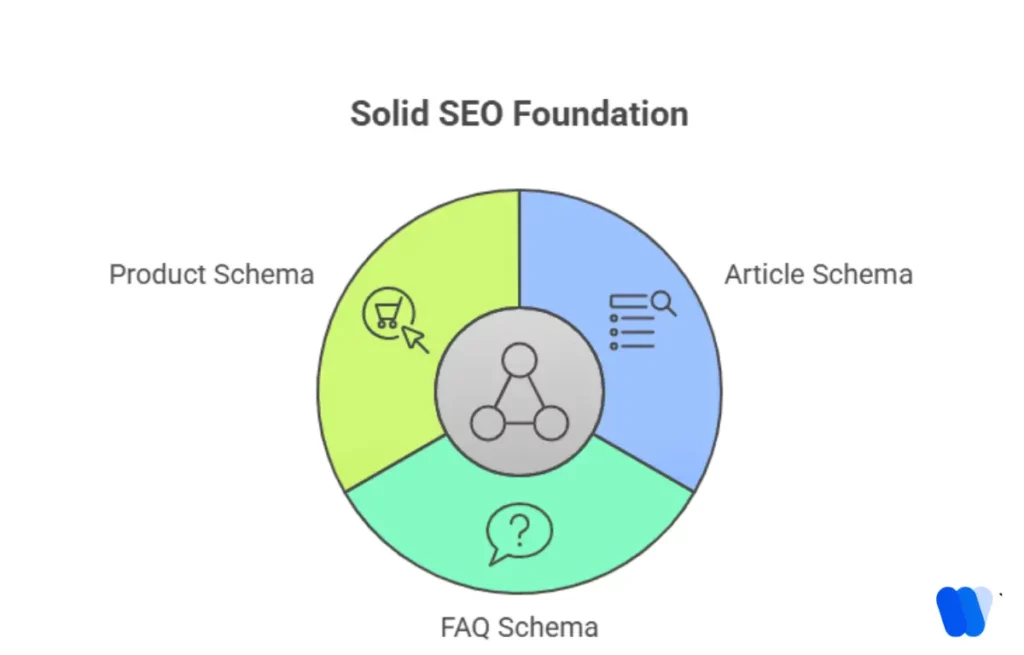
Just because you can mark up every element of a page doesn’t mean you should. LLMs rely on clear hierarchies. If you wrap a simple blog post in overly complex schema types like Event, Product, and Article all at once without logical relationships, you confuse the parser. Stick to the primary content type to ensure clarity.
Conflicting Signals from Canonical Tags
If your schema appears on multiple versions of a page without a clear canonical link, AI systems might view these as separate entities. This dilutes your authority. Always ensure there is only one primary schema block per page, and that it is properly canonicalized.
Troubleshooting Warning: Spotting Legacy Schema Code
Legacy schema code is like an old map in a world of GPS. Here is how to spot it:
- Outdated Properties: Look for fields Google has deprecated.
- Inline Microdata: If your schema is embedded directly in HTML tags, it is likely legacy. JSON-LD is the modern standard.
- Orphaned Data: Check for schema that references entities that no longer exist on your site.
Diagnostic Tools for Precision Schema Debugging
Debugging structured data doesn’t require a computer science degree. You just need the right set of digital magnifying glasses.
The Big Three Tools
- Google Search Console: Your first line of defense for monitoring live errors.
- Schema Markup Validator: Essential for checking code against official definitions.
- Browser DevTools: Lets you peek under the hood to see the raw JSON-LD code in your page source.
How to Inspect JSON-LD Blocks
- Open the page in your browser.
- Right-click and select Inspect.
- Use the search function (Ctrl+F) to find
<script type="application/ld+json">. - Copy the block and paste it into the Schema Markup Validator.
Comparative Tool Analysis
| Tool Name | Ease of Use | Depth of Analysis | Best For |
|---|---|---|---|
| Search Console | 5/5 | Medium | Daily error monitoring |
| Schema Validator | 4/5 | High | Code snippet correctness |
| Browser DevTools | 3/5 | High | Inspecting live raw code |
| Screaming Frog | 2/5 | Very High | Bulk site auditing |
Refining Your Schema for LLM Interpretation
Once you’ve eliminated basic errors, focus on Entity Linking. This is the process of tying your structured data to established sources so AI systems can verify your brand’s authority.
Mastering Entity Linking
Entity linking uses unique, persistent identifiers that LLMs cross-reference. Ensure your schema includes valid URLs that point to definitive sources. This gives the AI a digital fingerprint, preventing it from confusing your brand with similar entities.
Leveraging the sameAs Property
The sameAs property allows you to declare that your entity is the same as one described in an authoritative source. Link your primary entities to profiles on Wikipedia, Wikidata, or LinkedIn. This builds semantic authority.
{
  "@context": "https://schema.org",
  "@type": "LocalBusiness",
  "@id": "https://www.yourbusiness.com/#business",
  "name": "Your Business Name",
  "sameAs": [
    "https://en.wikipedia.org/wiki/Your_Business_Name",
    "https://www.linkedin.com/company/your-business-name"
  ]
}
Updating FAQ and Article Schema
Standard templates often fail to provide the specific data points AI models prefer.
- FAQ Schema: Keep answers concise and direct. Use the
suggestedAnswerproperty to define the most important response. - Article Schema: Include
datePublished,dateModified, andauthor. LLMs rely on these to determine the recency and relevance of information.
Maintaining your digital presence is a continuous journey. If you leave your schema markup errors unaddressed, your content will fade into the background. Pick one high-value page today and run it through a diagnostic tool. Small fixes can lead to noticeable improvements in your AI search visibility almost immediately.
AEO/GEO
Want to learn more?
Contact us for direct consultation and support.